
WP Product Quick View
Accessible, configurable quick-view modals for your product grid — full details and variations, without leaving the page.
At a glance
-
Opens straight from the grid
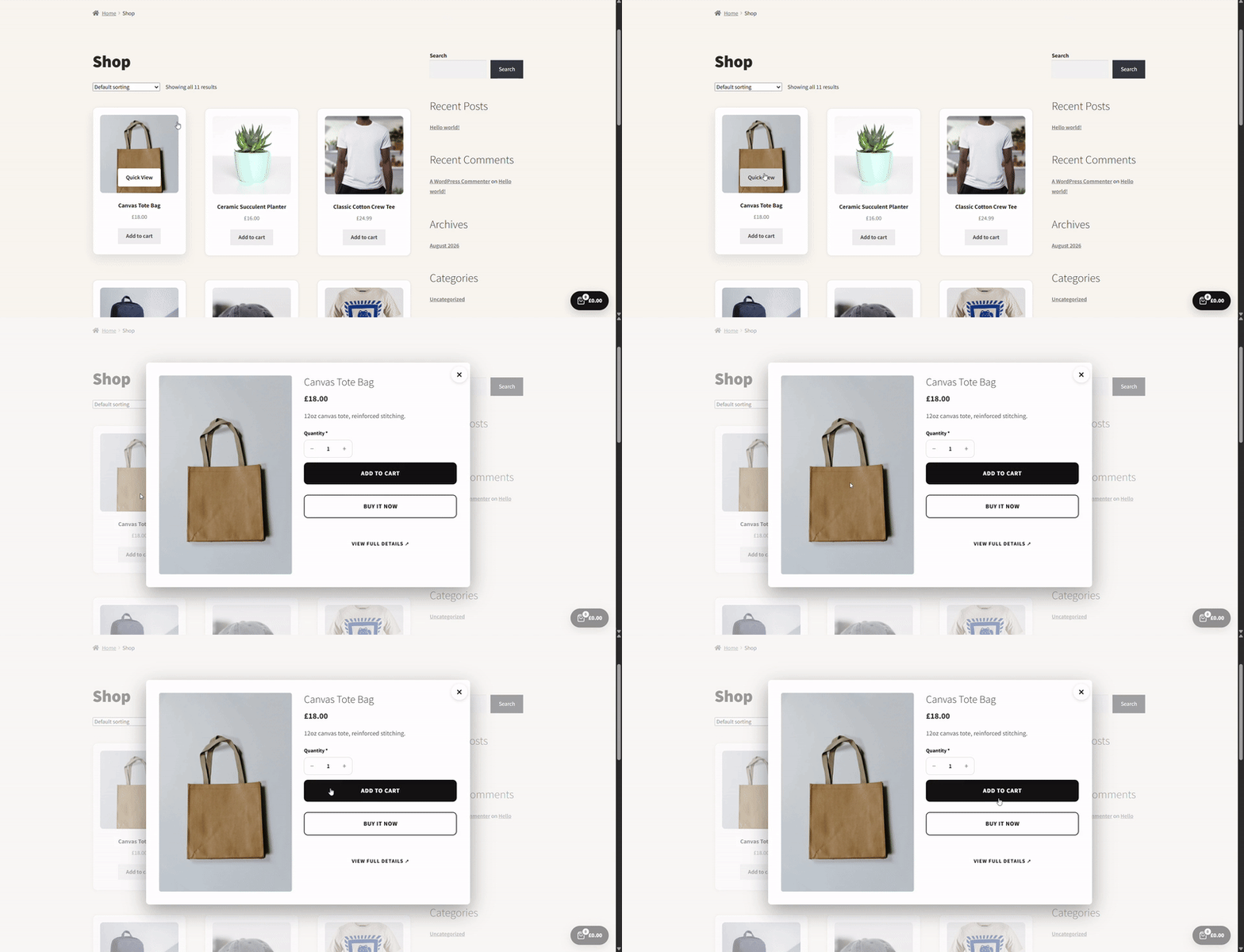
One click on any product card opens the full modal.
-
Full variation support
Every variation attribute works exactly as it does on the product page.
-
Desktop & mobile control
Show or hide the quick-view icon separately per breakpoint.
- AJAX add to cart, variation-aware gallery, keyboard/focus support
- Full typography, overlay & trigger colour control
- Pro: trigger icon choice & position, modal animation, custom Add to Cart button styling
Full product details without a page load
A quick-view icon appears over each product image in your grid. Clicking it opens a modal with the real product data — images, price, description, and the actual add-to-cart form — pulled live via the WooCommerce Store API, not a stripped-down summary.
- Real product gallery with swipe/arrow navigation
- Price, short description, and stock status included
- Opens in under a second on a typical connection
Variations work exactly like the product page
Colour, size, and any other variation attribute can be picked directly in the modal, with the price and availability updating live as selections change — the same logic WooCommerce runs on the full product page, not a simplified copy.
- Swatch or dropdown attribute pickers
- Live price and stock updates per variation
- Unavailable combinations are automatically disabled
Independent control over desktop and mobile
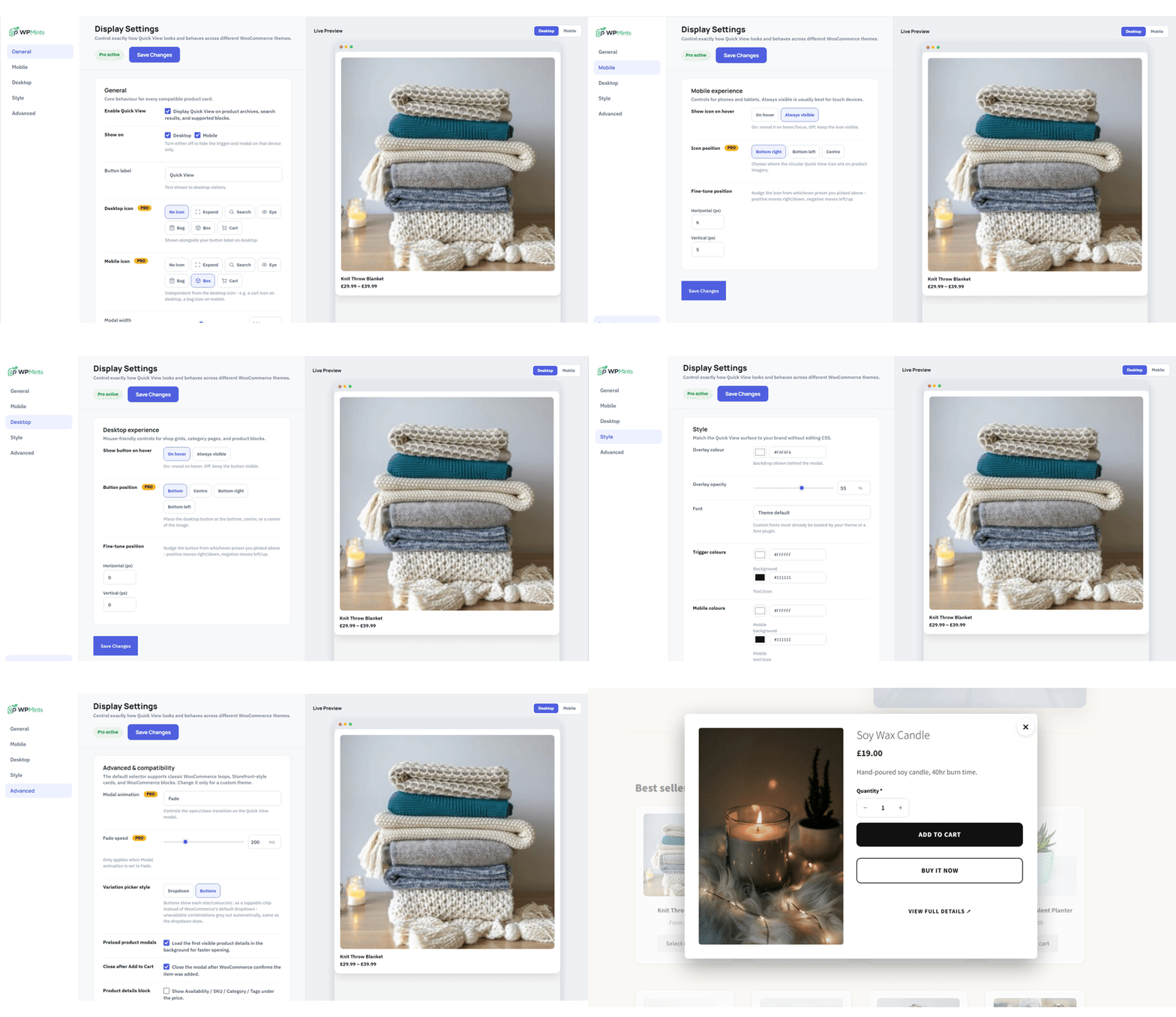
Whether the trigger shows at all, and whether it's always-visible or hover/tap-to-reveal, is free and set separately for desktop and mobile. Pro adds independent icon choice and on-image position per breakpoint too — since a hover-triggered icon that works well on desktop often isn't the right pattern for a touch screen.
- Turn the trigger on or off per device, free on every site
- Choose always-visible or hover/tap-to-reveal per device, free on every site
- Pro: separate icon and on-image position (bottom, center, or corner) per breakpoint
Shoppers browsing a grid have to open every product page just to check price, variations, or stock.
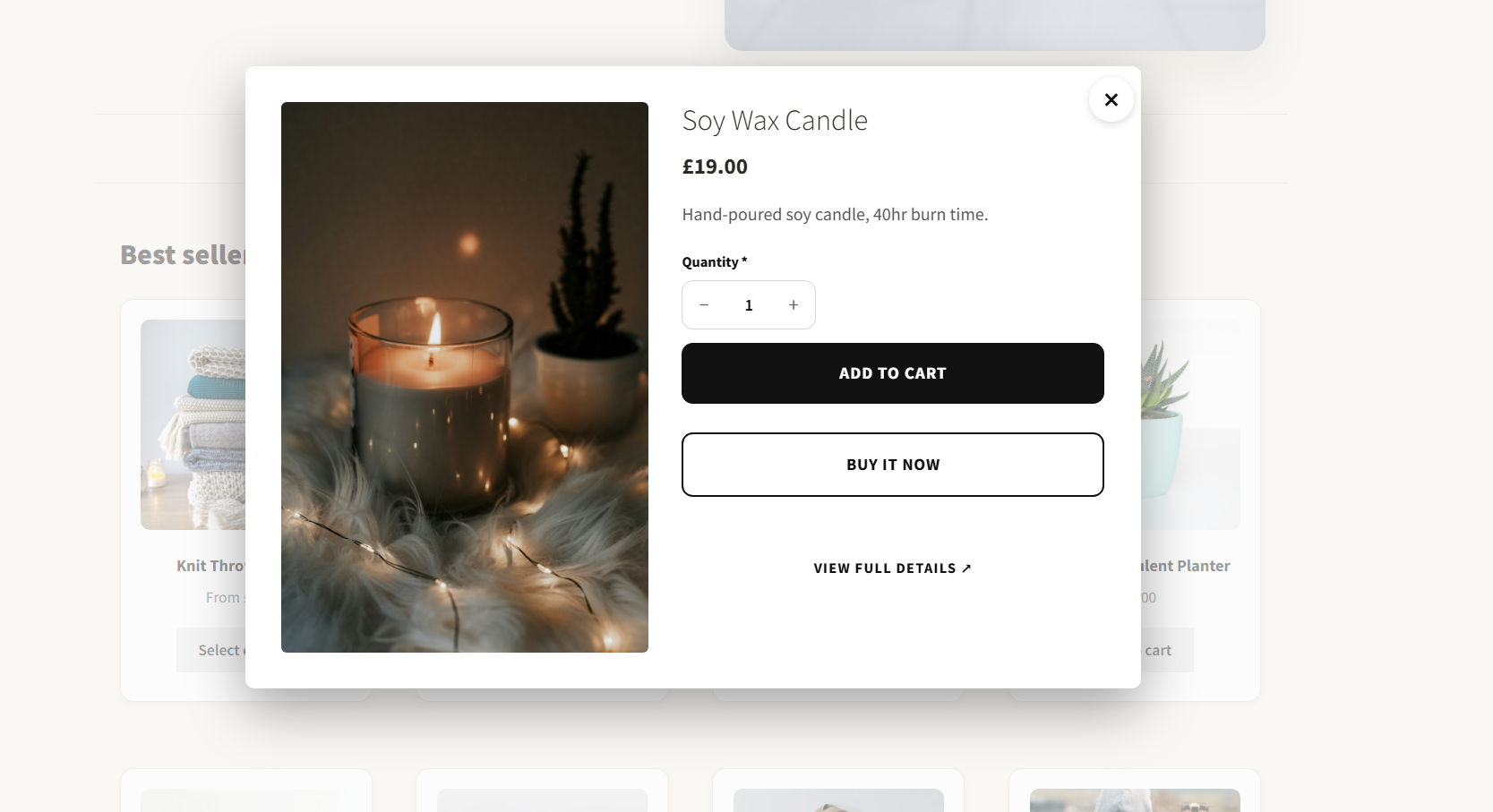
Quick View shows the real product — variations and all — in a modal, right from the grid.
Frequently asked questions
Do I need the Pro version to use this plugin?+
Will it slow down my site?+
Will it work with my theme?+
What happens if I cancel my subscription?+
Ready to try WP Product Quick View?
Free tier available, Pro starts at £6.99/mo. Cancel anytime.
See pricing